Retro Console Emulators: What to Check Before You Buy
Aktie
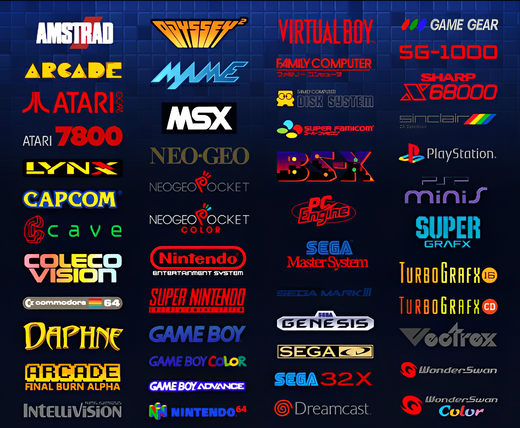
An emulator lets one device imitate another system. How well it performs on a handheld or TV console depends on the device’s hardware, operating system, firmware, and setup. General emulator support does not guarantee that every game will run smoothly.
Start with the exact model
Before choosing a retro gaming console, check the product listing for the model, included accessories, storage option, and setup requirements. Similar-looking devices can use different hardware or firmware, and bundles can vary.
Think about how you want to play
For a handheld, compare screen size, controls, battery information, and portability. For a TV system, check the connection type, included controllers, and what you need to connect it to your display. Choose features that fit how you plan to play.
Check compatibility and included content
Supported systems and performance can vary by configuration, firmware, and software version. Read the current listing and manufacturer instructions, and ask the seller if an important detail is unclear. Do not assume specific games or game files are included unless the selected configuration says so.
Use software responsibly
This article does not provide game downloads. Use only software and game files you are legally entitled to use, and follow the laws where you live.
Check the model and configuration before ordering to avoid surprises about compatibility and included accessories. For a quick overview, read our Retro Console Compatibility Guide.